n8n Mega Library: 5,500+ Workflows
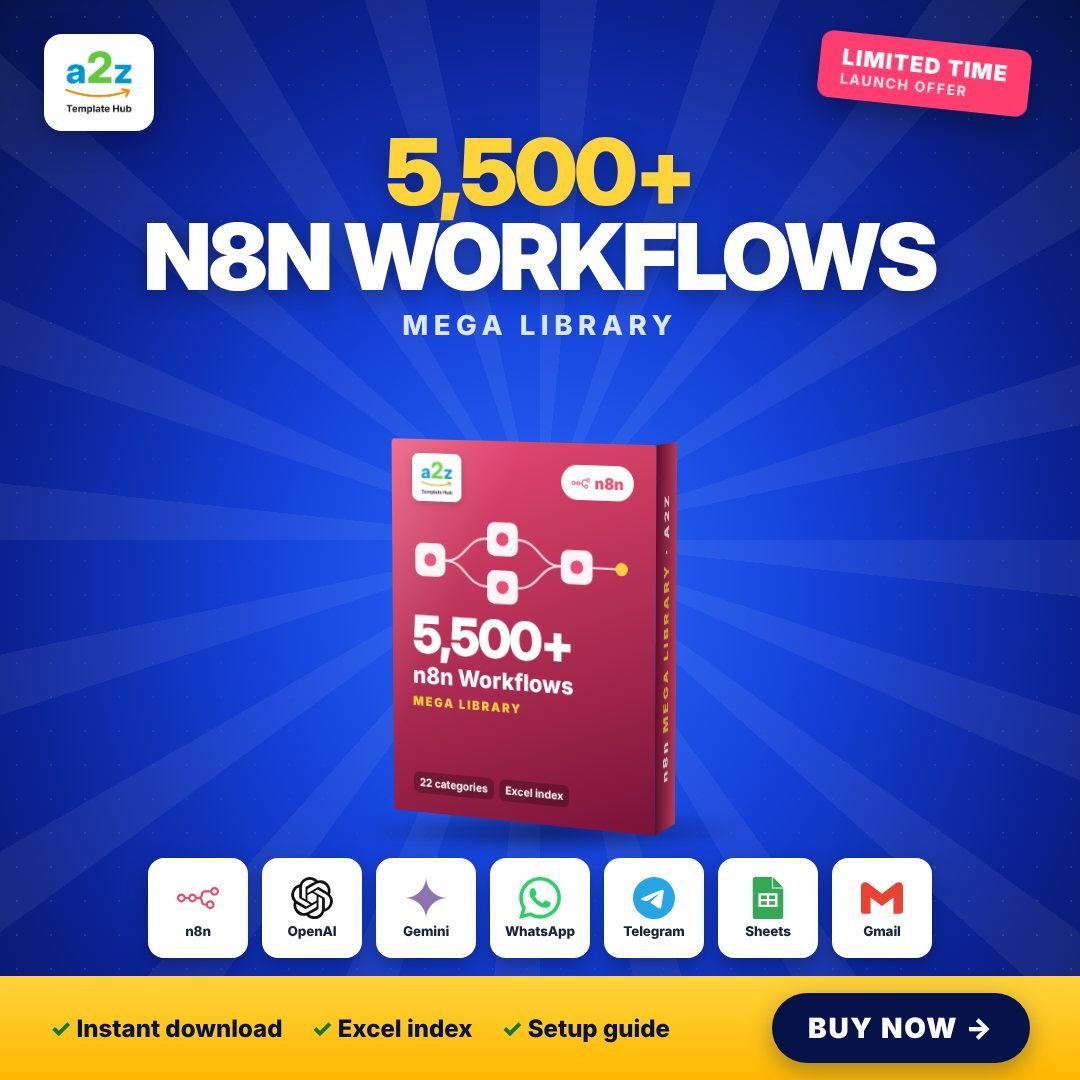
The biggest ready-to-import n8n collection, cleaned, de-duplicated and sorted into 22 categories with a searchable Excel index.
Works with: n8n, OpenAI, Gemini, WhatsApp, Telegram, Google Sheets, Gmail, Notion, Slack, Shopify
Overview
Stop building automations from scratch. The Mega Library gives you 5,500+ unique, ready-to-import n8n workflows covering AI chatbots, WhatsApp, Google Sheets, email, CRM, e-commerce, social media and much more.
Every file has been checked: duplicates removed, broken files dropped, and leftover credentials stripped out. Everything is sorted into 22 clear folders and listed in a searchable Excel index, so you can filter by app, trigger or difficulty and find the right automation in seconds.
- 5,500+ unique n8n workflows as ready-to-import .json files
- Sorted into 22 categories: AI, WhatsApp, Sheets, CRM, e-commerce and more
- Searchable Excel index: filter by app, trigger and difficulty
- Cleaned: duplicates removed, no leftover credentials or test data
- Quick Start PDF: install n8n, import, connect accounts, fix errors
- Instant download right after payment
What's inside the download
- Workflows/ (22 category folders)
- Index.xlsx
- START-HERE How-to-Import-Guide.pdf
- LICENSE.txt
How to set it up
Pay with UPI or card
Fill in your details and pay securely. It takes less than a minute.
Get your download link
The link appears on screen and lands in your inbox instantly.
Install n8n (free)
Use n8n Cloud, n8n Desktop, or self-host with one Docker command. The guide shows all three.
Import a workflow
In n8n click ⋯ > Import from File and pick any .json workflow from the bundle.
Connect your accounts
Open each red node, add your credentials (Google, OpenAI, WhatsApp...) and click Test workflow.
Activate and relax
Toggle the workflow to Active. It now runs on its own, 24/7.