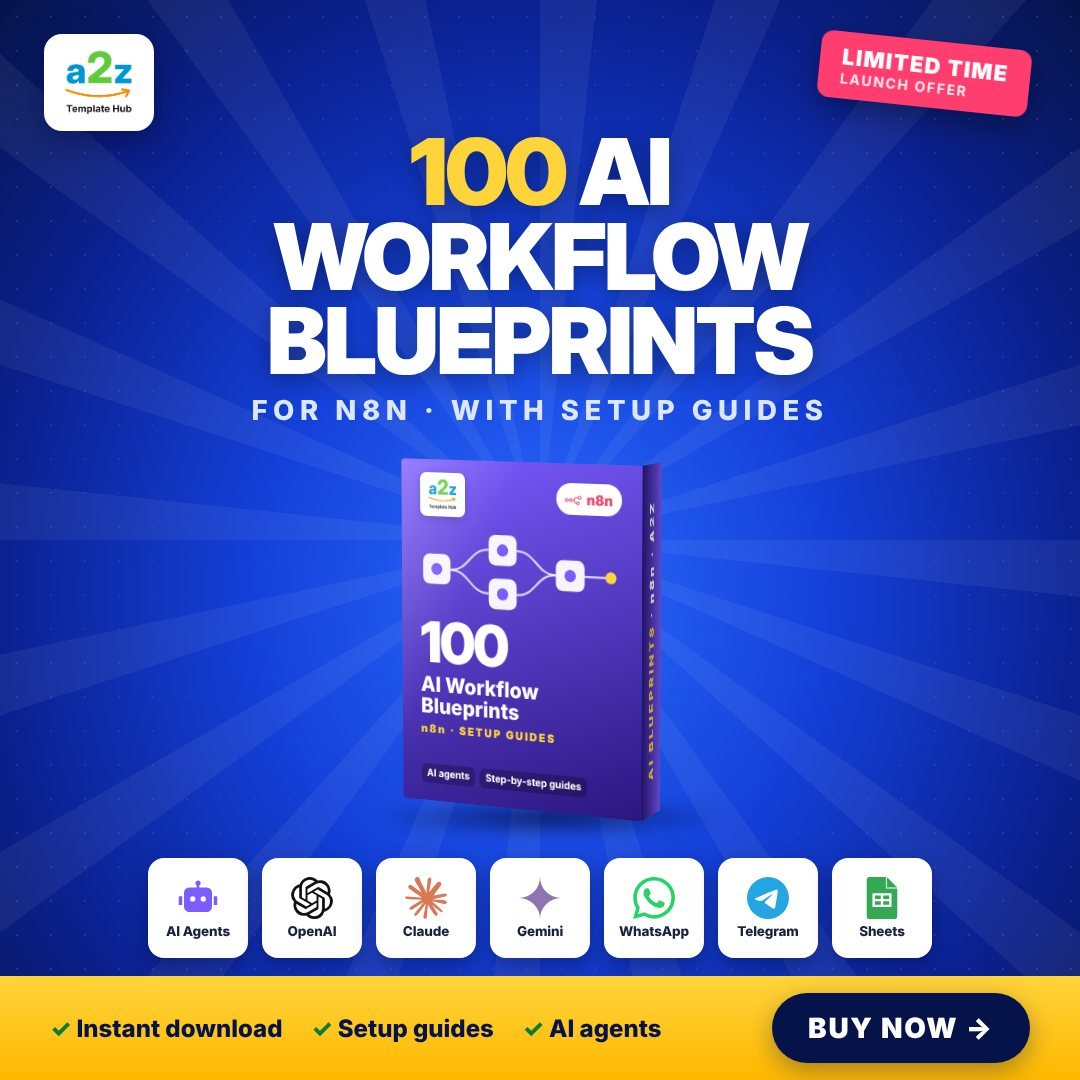
100 AI Workflow Blueprints
Hand-picked, high-quality AI automations for n8n, each with a step-by-step setup guide.
Works with: n8n, OpenAI, Gemini, Claude, WhatsApp, Telegram, Gmail, Google Sheets
Overview
Quality over quantity. These 100 AI blueprints are the automations people actually pay freelancers to build: AI chatbots for WhatsApp and Telegram, lead qualifiers, content generators, email responders, document summarisers and more.
Each blueprint comes with its own setup guide explaining what it does, which accounts you need and exactly how to connect them, so you go from download to working automation in minutes.
- 100 premium AI workflows for n8n, tested and organised
- A setup guide for every blueprint: what it does, what you need, how to connect
- AI chatbots, lead qualifiers, content creators, email & document assistants
- Works with OpenAI, Gemini and Claude
- Perfect for freelancers who sell automation services
- Instant download right after payment
What's inside the download
- Blueprints/ (100 workflows)
- Setup guides for every blueprint
- START-HERE guide (PDF)
- LICENSE.txt
How to set it up
Pay with UPI or card
Fill in your details and pay securely. It takes less than a minute.
Get your download link
The link appears on screen and lands in your inbox instantly.
Install n8n (free)
Use n8n Cloud, n8n Desktop, or self-host with one Docker command. The guide shows all three.
Import a workflow
In n8n click ⋯ > Import from File and pick any .json workflow from the bundle.
Connect your accounts
Open each red node, add your credentials (Google, OpenAI, WhatsApp...) and click Test workflow.
Activate and relax
Toggle the workflow to Active. It now runs on its own, 24/7.